
Automatic notification when creating or updating content
If you need to update an activity or create new content while learners are taking the course, you now have the option to send them an automatic notification to inform them of the change.
To do this, simply select the new option located at the bottom of the edit screen for each activity before saving your changes: “Notify that this activity has been created/modified”.
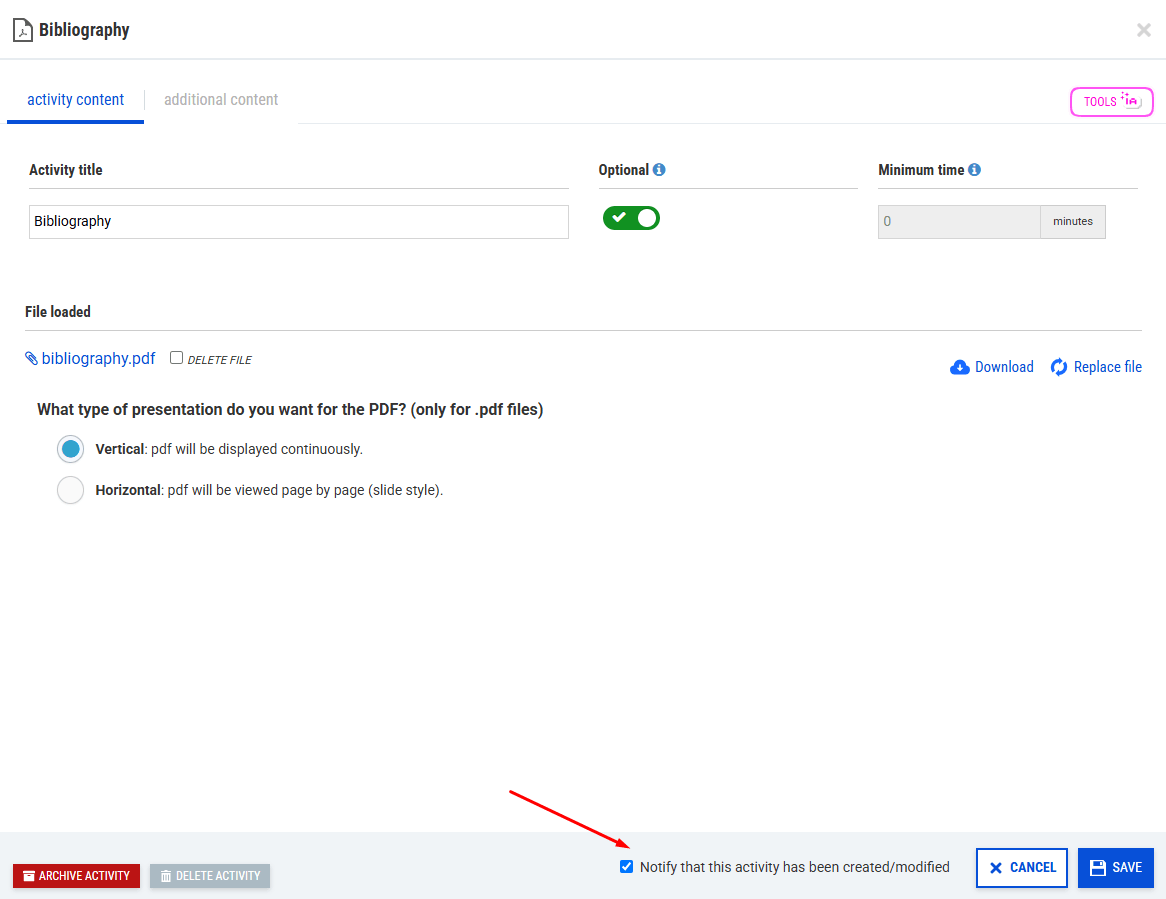
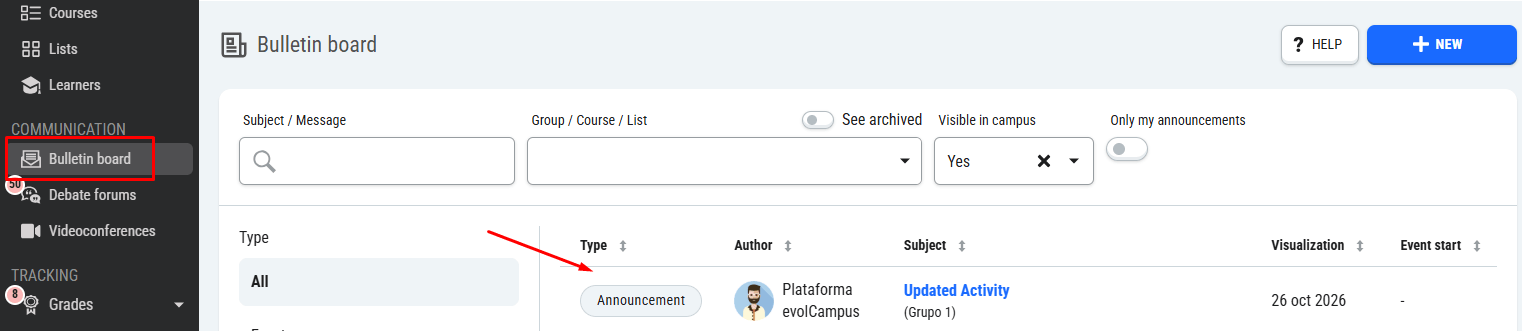
Checking this box will automatically create a bulletin board announcement with information about the update to the course, which active learners enrolled in the course will see on their campus.
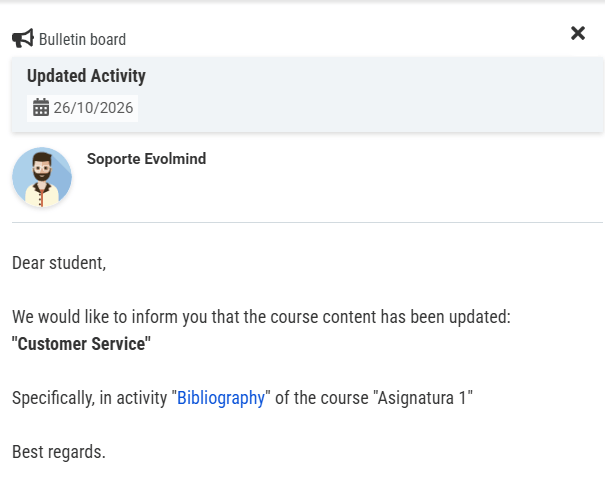
The message on the bulletin board will mention the course and include a link to the specific activity that has been added or modified so that students can access it directly.
We hope this improvement will make it easier to communicate updates to courses, saving teachers time and ensuring that students are always informed.