
Improvements in test creation and question downloading
To make it easier for you to create test exercises in a course, in addition to being able to upload test questions from other tests you have created in the same course, now it is possible to create a test from questions found in any other course you have created on the platform.
This new option can be especially useful if you have a course (active or inactive) where you have created a question bank.
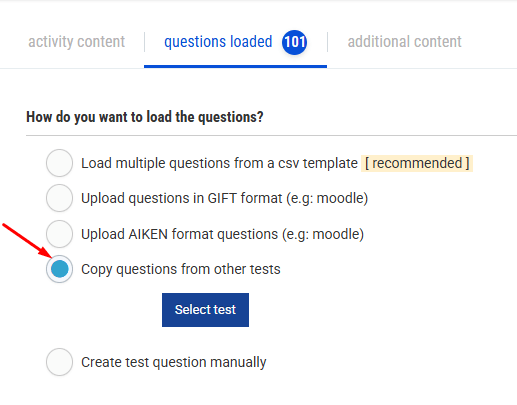
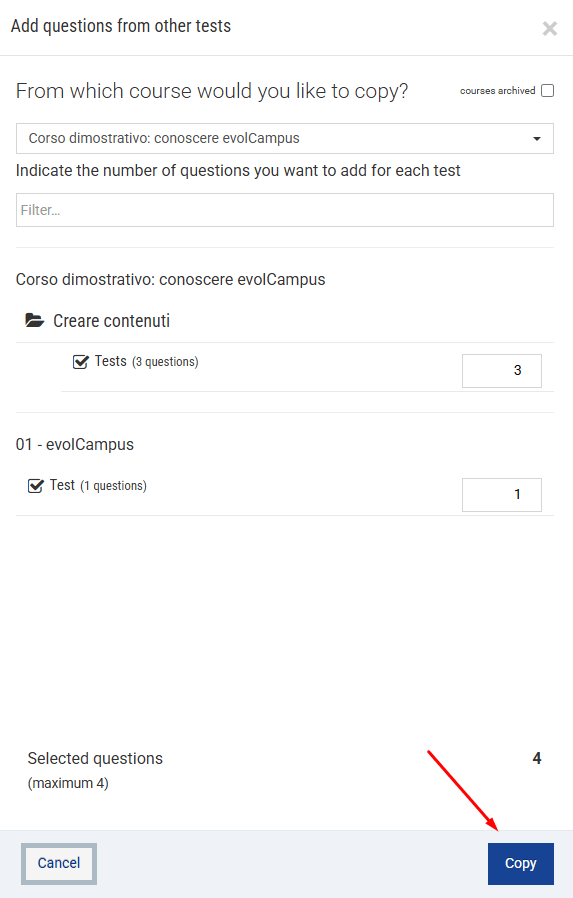
When creating test questions, within the option “Copy questions from other tests”, you will find a drop-down menu where you can select the desired course and, in the same way, you can select the number of questions to copy from each of the tests that comprise it:
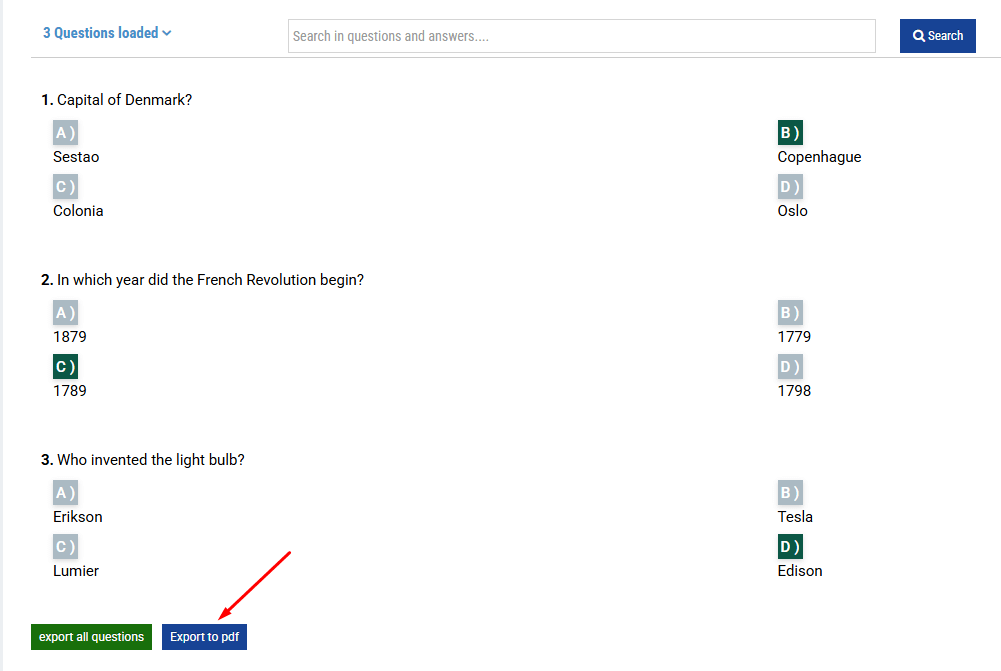
Another new feature available in the activity editor, after the list of questions, is the option to export a PDF with test questions, which will be downloaded in a document headed with your logo.
By clicking on the “Export to PDF” button, you can choose whether to export all the questions uploaded or generate a test with a specific number of random questions:
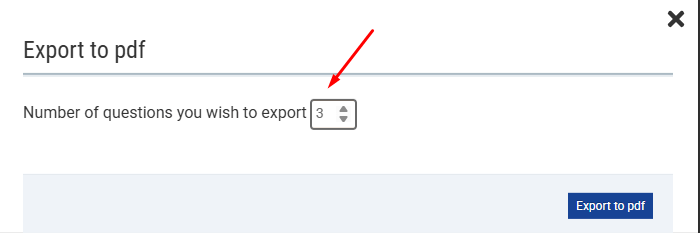
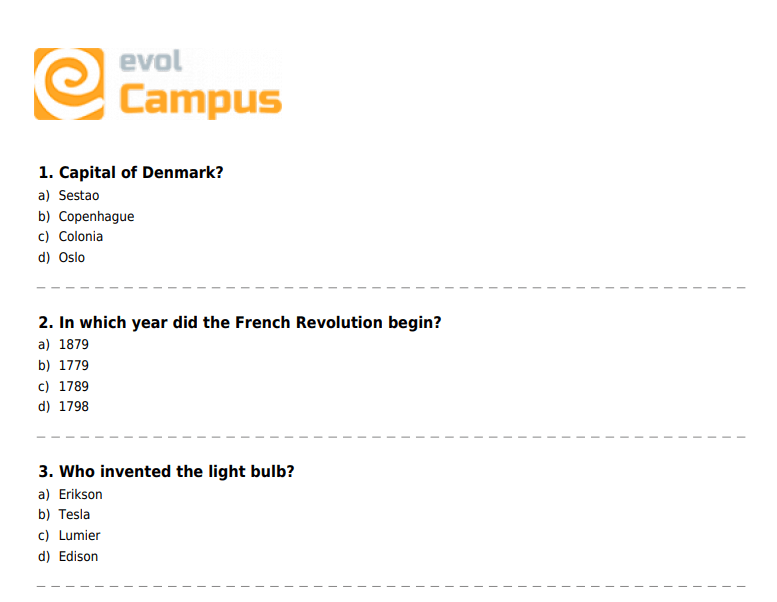
This may be useful if you need to generate a paper test for students attending in person.